
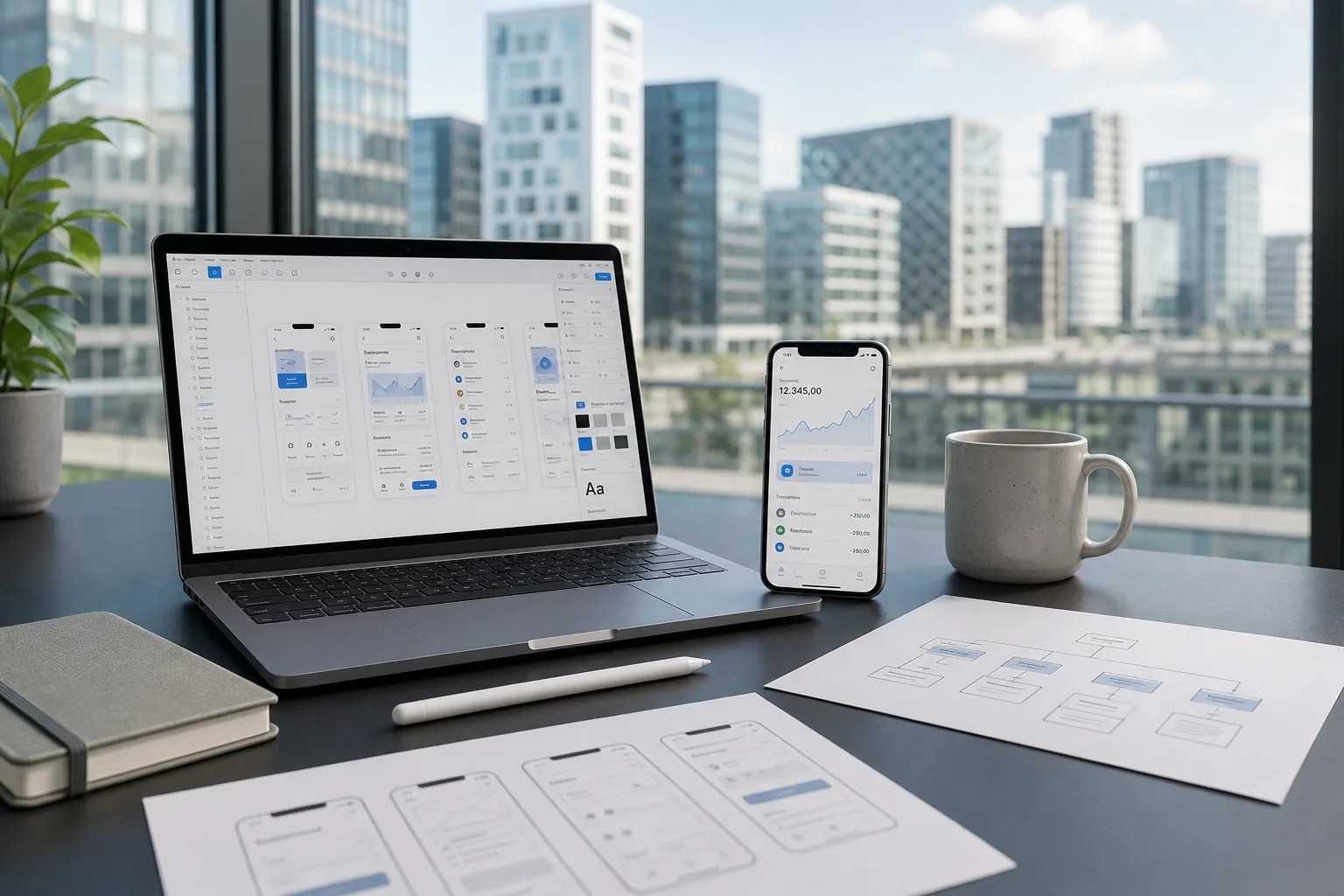
Luxembourg's position as a leading European financial and business hub means local companies face high expectations when it comes to digital experiences.
A clunky, outdated mobile app doesn't just frustrate users; it actively damages trust in a market where clients expect polish and precision.
As more Luxembourg businesses launch apps for banking, retail, logistics, and professional services, understanding what goes into strong UI/UX design has become essential before committing budget to a project.
Good mobile app design isn't just about looking modern. It's about creating experiences that feel intuitive, load quickly, and guide users toward action without friction.
This guide breaks down why design matters for Luxembourg businesses specifically, the core UI/UX principles every competitive app needs, a practical step-by-step design process, and realistic cost estimates for 2026.
What Is Mobile App Design, and Why Does It Matter for Luxembourg Businesses?
Mobile app design covers both the visual interface (UI) users interact with and the overall experience (UX) that shapes how easy, enjoyable, or frustrating an app feels to use.
For Luxembourg businesses operating in a small but sophisticated market, strong design has become a genuine competitive differentiator rather than a nice-to-have addition.
Design Directly Affects User Retention
Industry research shows that a large majority of users are more likely to return to a platform with strong mobile UX, and most smartphone users say they're more likely to continue engaging when an experience feels smooth and intuitive.
A slow or confusing app erodes user confidence quickly, regardless of how good the underlying features are.
Luxembourg's Multilingual, International User Base Raises the Bar
With French, German, English, and Luxembourgish speakers all using local apps, design must account for varying text lengths, reading directions, and cultural expectations.
This adds a layer of complexity that generic, single-language design approaches often miss entirely.
Strong Design Supports Broader Digital Investment
Luxembourg's ICT sector remains one of the country's most dynamic industries, with a mature, competitive market for software development in Luxembourg and related digital services.
As businesses invest more heavily in apps, websites, and platforms, thoughtful design increasingly determines which products actually get adopted and which get abandoned after a single use.
Core UI/UX Principles for a Competitive Mobile App
Strong mobile app design rests on a handful of core principles that apply regardless of industry or app type.
Getting these right early prevents costly redesigns later and ensures users stick around long enough to see an app's real value.
1. Simplicity and Minimalism
Clean, uncluttered layouts help users focus on what matters most, whether that's completing a purchase or finding information quickly.
Removing unnecessary elements reduces cognitive load and makes navigation feel effortless rather than overwhelming.
2. Consistency Across Screens
Using the same colors, fonts, button styles, and interaction patterns throughout the app builds familiarity and reduces confusion.
Consistency lets users apply what they've learned on one screen to every other screen they encounter.
3. Fast, Responsive Performance
Even beautiful design fails if the app feels sluggish. Smooth transitions, quick load times, and immediate feedback on taps or swipes are essential for keeping users engaged rather than frustrated.
4. Accessibility for All Users
Good design accounts for users with varying abilities and situational limitations, like bright sunlight or background noise.
Sufficient color contrast, readable font sizes, and voice-over compatibility ensure the app works well for the widest possible audience.
5. Multilingual and Localized Design
For Luxembourg specifically, layouts need to flexibly accommodate multiple languages without breaking.
A skilled website development company in Luxembourg working across both web and mobile often brings valuable experience handling this exact challenge, since localization issues that affect websites tend to affect apps in similar ways.
6. Clear Visual Hierarchy
Guiding users' attention through size, color, and placement helps them understand what to do next without confusion.
Strong hierarchy makes primary actions obvious while keeping secondary information accessible but unobtrusive.
Step-by-Step Mobile App Design Process
A structured design process ensures nothing gets overlooked and keeps projects on time and on budget.
Here's how the process typically unfolds from initial research through final handoff to development.
1. Conduct User Research
Understanding who will use the app, what problems they're trying to solve, and how they currently behave forms the foundation of good design.
Surveys, interviews, and competitor analysis all help shape informed design decisions from the start.
2. Define User Personas and Journeys
Creating representative user profiles and mapping out their likely paths through the app helps designers anticipate needs at each step.
This process reveals potential friction points before a single screen gets designed.
3. Build Wireframes
Low-fidelity wireframes establish basic layout and structure without focusing on color or visual polish yet.
This stage lets teams quickly test different navigation approaches and page structures before investing in detailed visuals.
4. Create Visual Design and Branding
Applying color palettes, typography, and imagery brings the wireframes to life while reflecting the business's brand identity.
This stage transforms functional layouts into a polished, recognizable visual experience.
5. Develop Interactive Prototypes
Clickable prototypes simulate real app interactions, letting stakeholders and early testers experience the flow before development begins.
Prototyping catches usability issues that are far cheaper to fix at this stage than after coding starts.
6. Conduct Usability Testing
Testing prototypes with real target users reveals confusing navigation, unclear labels, or frustrating steps that internal teams often miss.
This feedback loop is essential for refining the design before committing to full development.
7. Refine Based on Feedback
Iterating on the design based on usability testing results ensures the final product genuinely solves user problems rather than just looking appealing. Multiple refinement rounds are expected at this stage.
8. Prepare Design Handoff Documentation
Detailed specifications, style guides, and asset exports ensure developers can accurately implement the design without guesswork.
Clear handoff documentation prevents miscommunication and reduces costly back-and-forth during development.
9. Collaborate During Development
Designers typically stay involved during the build phase to answer questions and review implementation accuracy.
This collaboration ensures the final app matches the intended design rather than drifting during technical implementation.
10. Test and Polish Before Launch
Final design QA across devices and screen sizes catches inconsistencies or rendering issues before the app goes live.
Understanding realistic software development cost in Luxembourg at this stage helps businesses budget appropriately for this final polishing phase alongside broader development work.
Mobile App Design Cost Breakdown in Luxembourg
Mobile app design costs in Luxembourg vary significantly based on complexity, research depth, and the number of screens involved, with website development cost in Luxembourg benchmarks offering a useful comparison point for similarly scoped digital projects. Below is a realistic breakdown by design stage.
| Design Stage | Description | Estimated Cost |
|---|---|---|
| User Research | Interviews, surveys, and competitor analysis | €800–1,500 |
| Persona & Journey Mapping | User profiles and flow documentation | €600–1,200 |
| Wireframing | Low-fidelity layout and structure | €900–1,800 |
| Visual Design & Branding | Color, typography, and imagery application | €1,600–3,200 |
| Interactive Prototyping | Clickable, testable design simulation | €1,300–2,600 |
| Usability Testing | Real-user feedback sessions | €900–1,900 |
| Design Iteration & Refinement | Revisions based on testing feedback | €700–1,500 |
| Design System Documentation | Style guides and component libraries | €800–1,600 |
| Developer Handoff Support | Specifications and asset preparation | €500–1,100 |
| Post-Launch Design Support | Ongoing refinements and updates | €1,200–2,800 |
Conclusion
Strong mobile app design has become a genuine competitive advantage for Luxembourg businesses operating in a demanding, multilingual market.
As this guide shows, success depends on following a structured design process, prioritizing simplicity, consistency, and accessibility, and testing thoroughly with real users before launch.
Design costs vary based on complexity and research depth, but investing properly here pays off through stronger user retention and fewer costly revisions after launch.
Businesses that treat design as a core part of their digital strategy, rather than an afterthought layered on top of development, consistently build apps that users actually want to keep using.
With careful planning, Luxembourg companies can create polished, intuitive mobile experiences that stand out in an increasingly crowded digital market.
Frequently Asked Questions (FAQs)
How much does mobile app design cost in Luxembourg?
Design costs typically range from a few hundred to several thousand euros per stage, depending on complexity, research depth, and the number of screens involved.
How long does the mobile app design process take?
Most design processes take 6–12 weeks, depending on research depth, the number of iterations needed, and how many screens the app requires.
What's the difference between UI and UX design?
UI design focuses on visual elements like colors, buttons, and layouts, while UX design focuses on the overall experience and how easily users can accomplish their goals.
Is multilingual design necessary for Luxembourg apps?
Yes, given Luxembourg's diverse population speaking multiple languages, designing layouts that flexibly accommodate different text lengths and languages is essential for most apps.
Should I test my app design before development begins?
Yes, usability testing with real users during the prototype stage catches issues that are far cheaper to fix before development starts than after launch.
Can I skip wireframing and go straight to visual design?
It's not recommended. Wireframing establishes structure and navigation logic first, preventing costly layout changes after visual design work has already begun.
How often should an app's design be updated after launch?
Most apps benefit from ongoing design refinements based on user feedback and analytics, typically reviewed and updated every few months after launch.
Should I hire a specialized UI/UX designer or a general developer?
A specialized designer brings dedicated expertise in user research, visual hierarchy, and usability testing, reducing costly design mistakes compared to relying solely on developers.
Do I need a separate design process for iOS and Android?
Not always a full separate process, but designers typically adjust certain elements, like navigation patterns and system icons, to match each platform's native conventions and user expectations.
What happens if I skip usability testing to save time or budget?
Skipping usability testing increases the risk of launching an app with confusing navigation or frustrating flows, often leading to costlier fixes and lower user retention after launch.