
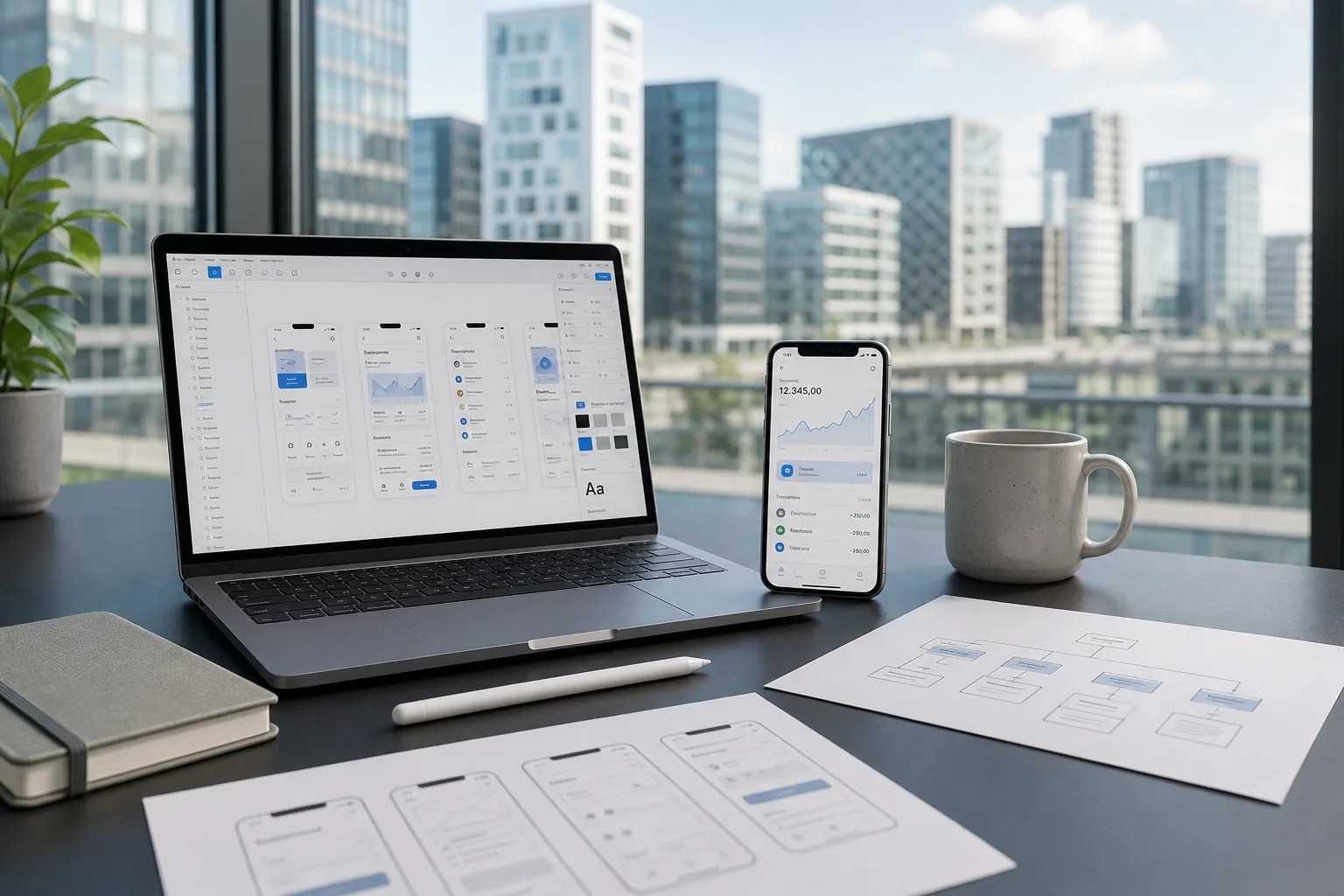
Before a single line of code gets written, most successful mobile apps start as simple sketches and clickable mockups.
Wireframing and prototyping form the foundation of thoughtful app design, allowing teams to visualize layout, navigation, and user flow long before development begins.
Skipping this stage often leads to costly revisions later, as design flaws and usability issues only surface once real users start interacting with a finished product.
By investing time upfront in low-fidelity wireframes and interactive prototypes, teams can test ideas quickly, gather feedback early, and make informed decisions without wasting development resources.
This guide breaks down why wireframing and prototyping matter, walks through the typical process, and shares practical best practices to help you avoid common pitfalls along the way.
Why Wireframing and Prototyping Matter in Mobile App Development
For any AI development company Luxembourg teams partner with, wireframing and prototyping remain non-negotiable steps, catching design flaws early and saving significant time, money, and rework once real development begins.
Why Early Visualization Prevents Costly Mistakes
Sketching layouts and user flows before coding starts helps teams spot navigation issues, confusing interactions, and structural gaps that are far cheaper to fix on paper than after development.
Why Demand for Design Tools Keeps Growing
The global UX and UI design tools market was valued at USD 9.74 billion in 2025 and is expected to reach USD 24.52 billion by 2034, reflecting how essential these tools have become industry-wide. (Verified Market Reports)
Why Prototyping Investment Continues Rising
The global prototyping and mockup tools market was valued at USD 1.2 billion in 2025 and is projected to reach USD 2.5 billion by 2034, showing steady growth in teams prioritizing prototyping before full development. (Verified Market Reports)
The Step-by-Step Process of Creating Wireframes and Prototypes
Understanding software development cost in Luxembourg starts with knowing exactly how wireframes evolve into working prototypes.
This structured, step-by-step process ensures every design decision is intentional, tested, and refined before actual development work begins, saving both time and budget.
1. Define Goals and User Requirements
Before sketching anything, teams gather requirements, define target users, and outline core app functionality.
This foundational research ensures wireframes solve real problems rather than guessing at features users may not actually need or want.
2. Conduct Competitor and Market Research
Reviewing similar apps helps identify design patterns that work well, along with gaps competitors have missed.
This research shapes early design decisions and prevents teams from reinventing solutions that already exist elsewhere in the market.
3. Sketch Low-Fidelity Wireframes
Simple pen-and-paper or basic digital sketches map out screen layouts, navigation flow, and content hierarchy.
These rough drafts focus purely on structure, allowing teams to explore multiple layout options quickly without wasting design effort.
4. Collaborate With a Development Partner Early
Involving an experienced custom software development company Luxembourg teams trust ensures wireframes remain technically feasible.
Early collaboration prevents designs that look great on paper but prove difficult or expensive to actually build later.
5. Refine Into Mid-Fidelity Wireframes
Once the basic structure is approved, wireframes gain more detail, including spacing, typography hints, and clearer navigation paths.
This stage bridges rough sketches and polished designs, making feedback and revisions considerably easier to manage.
6. Build Interactive Prototypes
Using tools like Figma or Adobe XD, static wireframes transform into clickable prototypes.
Stakeholders and testers can now navigate through screens as though using a real app, revealing usability issues long before coding starts.
7. Conduct Usability Testing
Real users interact with the prototype, completing common tasks while designers observe pain points and confusion.
This feedback loop is critical for catching issues that internal teams often overlook after staring at designs repeatedly.
8. Iterate Based on Feedback
Working alongside a trusted mobile app development company Luxembourg businesses rely on helps translate testing insights into practical design updates.
Iteration continues until the prototype feels intuitive, functional, and genuinely ready for development handoff.
9. Finalize High-Fidelity Designs
Polished, pixel-perfect mockups now include final colors, branding, typography, and interactive states.
This finished prototype becomes the definitive reference developers use throughout the actual build, reducing ambiguity and miscommunication during development.
10. Hand Off Designs for Development
Once approved, finalized prototypes move into active mobile app development in Luxembourg workflows, complete with design specifications, assets, and interaction notes that guide developers accurately through implementation from start to finish.
Best Practices for Effective Wireframing and Prototyping
Creating wireframes is only half the work. Following proven best practices ensures your designs remain user-focused, technically feasible, and genuinely useful throughout development, rather than becoming static documents nobody actually references once building begins.
1. Keep Early Wireframes Intentionally Simple
Resist the urge to add colors, fonts, or polished visuals too early.
Low-fidelity wireframes work best when they focus purely on layout and structure, keeping feedback conversations centered on functionality rather than aesthetics.
2. Involve Developers From the Very Beginning
Bringing developers experienced in software development in Luxembourg into early design discussions prevents wireframes that look appealing but prove technically impractical.
Their input ensures designs remain realistic, buildable, and aligned with actual platform capabilities.
3. Design for Real User Behavior
Base layouts on how users actually navigate apps, not assumptions about ideal behavior.
Observing real usage patterns, rather than guessing, leads to wireframes that feel intuitive rather than technically correct but confusing.
4. Maintain Consistency Across Screens
Reusing navigation patterns, button placements, and layout structures throughout the app reduces cognitive load for users.
Consistency also speeds up development, since developers can reuse components rather than building unique layouts repeatedly.
5. Test Early and Test Often
Waiting until high-fidelity prototypes to gather feedback wastes valuable time. Testing rough wireframes early catches fundamental structural issues before teams invest hours polishing a design that may need significant rework anyway.
6. Prioritize Mobile-Specific Constraints
Design with real screen sizes, touch targets, and thumb reach in mind rather than adapting desktop layouts.
Mobile-first thinking prevents usability issues that only become obvious once prototypes are tested on actual devices.
7. Document Design Decisions Clearly
Annotating wireframes with notes on interactions, transitions, and edge cases prevents miscommunication during handoff.
Clear documentation reduces the back-and-forth questions that often slow down development once designs move into the build phase.
8. Balance Ambition With Realistic Budgets
Understanding software development cost in Luxembourg helps teams avoid designing features that sound impressive but blow past realistic budgets.
Grounding design ambition in financial reality keeps projects achievable rather than perpetually delayed.
Common Mistakes to Avoid During the Wireframing Process
Even experienced teams fall into predictable traps while wireframing, often without realizing the impact until much later in development.
Recognizing these common mistakes early helps teams avoid unnecessary rework, wasted budget, and frustrating delays down the line.
Adding Visual Detail Too Early
Focusing on colors, fonts, and imagery before structure is finalized distracts stakeholders from evaluating actual layout and usability, leading to feedback on aesthetics rather than functionality.
Skipping User Research Entirely
Designing wireframes based on assumptions rather than real user behavior often produces layouts that look logical on paper but confuse actual users once tested in practice.
Ignoring Technical Feasibility
Creating wireframes without developer input can result in designs that look great but prove difficult, expensive, or even impossible to build within realistic timelines and budgets.
Inconsistent Navigation Patterns
Using different layouts, gestures, or button placements across screens increases cognitive load for users and creates unnecessary extra work for developers building repetitive, non-reusable components.
Treating Wireframes as Final
Locking designs too early, without room for testing and iteration, often forces costly changes later once real user feedback reveals problems that early flexibility could have easily prevented.
Conclusion
Wireframing and prototyping are far more than early design formalities; they are foundational steps that shape how smoothly the rest of app development unfolds.
By understanding why these stages matter, following a structured process, applying proven best practices, and avoiding common pitfalls, teams can catch costly issues long before a single line of code gets written.
Skipping or rushing this phase often leads to expensive rework, missed usability problems, and frustrated users down the line.
Investing the time upfront to sketch, test, and refine ideas ultimately results in apps that feel intuitive, function smoothly, and require far fewer surprises once real development and launch actually begin. Pairing this process with strong mobile app design in Luxembourg practices keeps the handoff from prototype to production clean and predictable.
Frequently Asked Questions (FAQs)
What is the difference between a wireframe and a prototype?
A wireframe is a static, low-detail layout showing structure and content placement, while a prototype is an interactive mockup that simulates real navigation and user interactions.
Do I need both low-fidelity and high-fidelity wireframes?
Yes, low-fidelity wireframes help finalize structure quickly, while high-fidelity versions add visual detail and interactivity, giving developers a precise, polished reference before actual coding begins.
How long does the wireframing and prototyping process typically take?
Timelines vary by app complexity, but most projects take anywhere from two to six weeks, covering research, sketching, prototyping, testing, and final refinements.
Can I skip wireframing and go straight to prototyping?
Skipping wireframes is possible but risky, since it often leads to structural issues being discovered later, resulting in more time-consuming and costly revisions during prototyping.
What tools are commonly used for wireframing and prototyping?
Popular tools include Figma, Adobe XD, Sketch, and Balsamiq, each offering different levels of fidelity, collaboration features, and interactive prototyping capabilities for design teams.
How many rounds of testing should a prototype go through?
There is no fixed number, but most teams conduct at least two to three testing rounds, refining the prototype based on feedback after each session.
Should developers be involved during the wireframing stage?
Yes, involving developers early helps ensure designs remain technically feasible, preventing wireframes that look appealing but are difficult or costly to actually build later.
What is the biggest risk of rushing through wireframing?
Rushing often causes structural and usability issues to go unnoticed until development is already underway, leading to expensive rework and delayed project timelines.
How detailed should early wireframes be?
Early wireframes should stay simple and structural, focusing on layout and flow rather than visual polish, which is better addressed in later design stages.
Can wireframes change after development has already started?
While possible, changing wireframes mid-development is costly and disruptive, which is why thorough testing and stakeholder approval before development begins is strongly recommended.